


Know where things stand
and what needs you next.

Who did you promise to call? Where’s the brief? Has someone picked up that task?

A customer relationship management system, or CRM, helps you keep track of people and the work around them. I build bespoke CRMs and connected team workspaces for small businesses and charities in South Yorkshire and beyond, making those everyday questions easier to answer.

Talk about your system
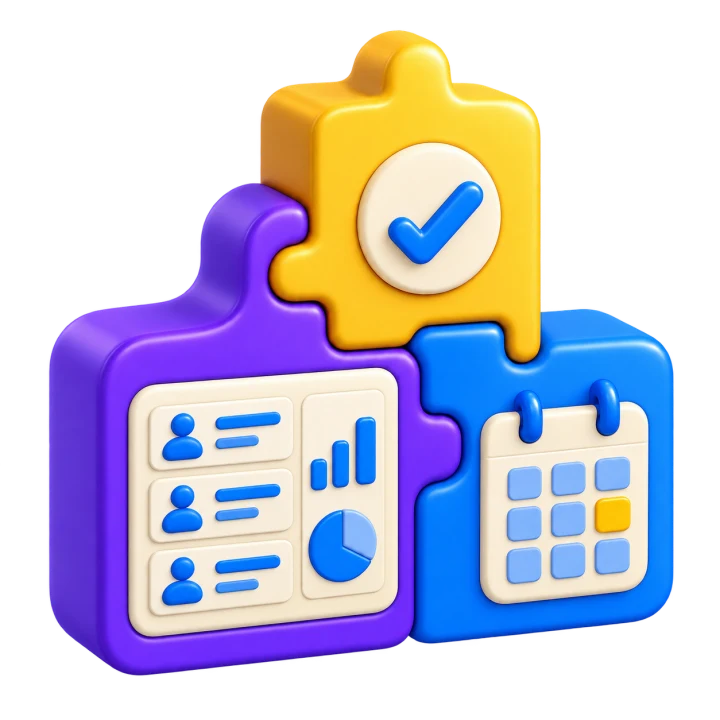
Contact records, a calendar and tasks fitting togetherKeep the context close.

Built around the people
using them.

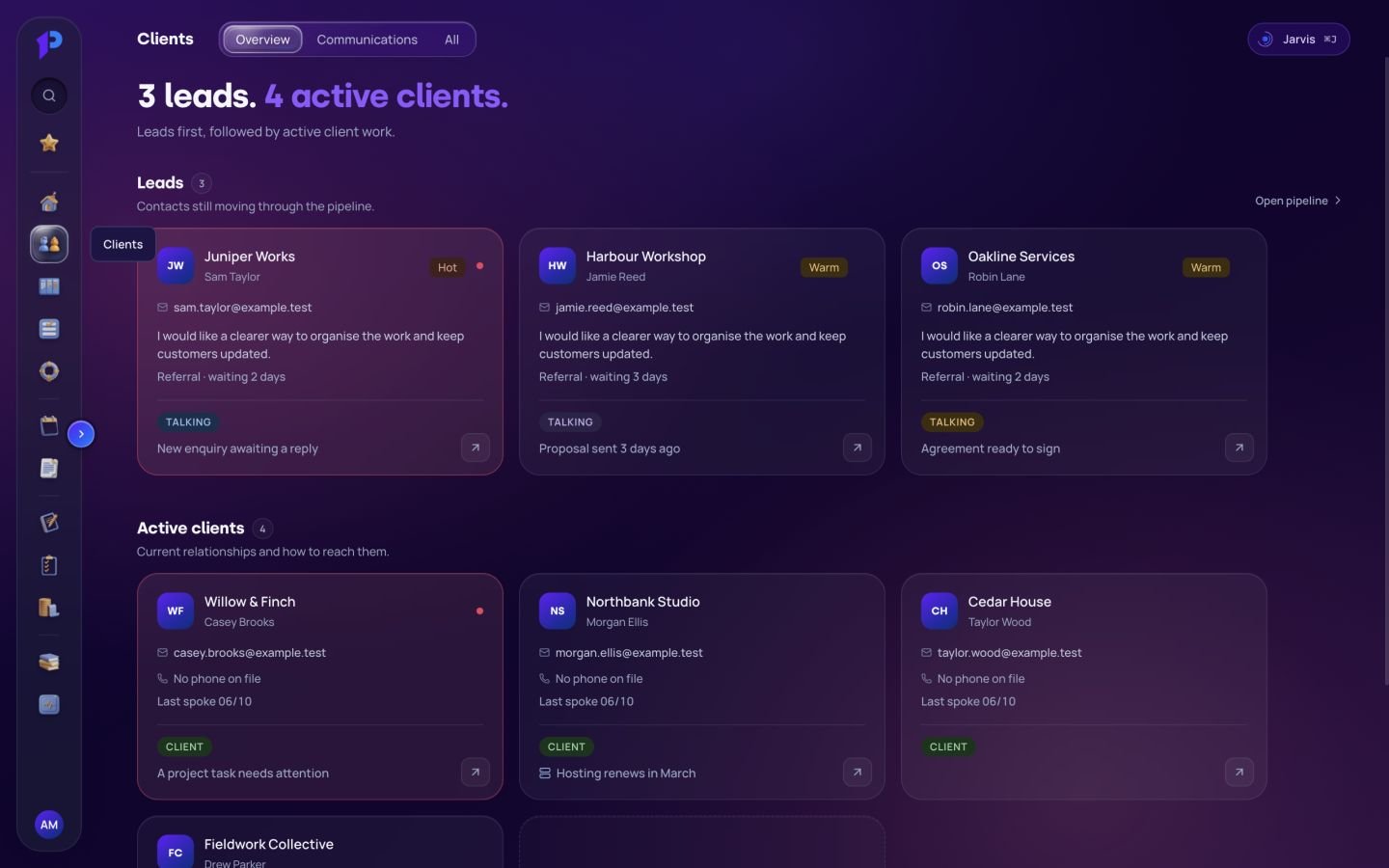
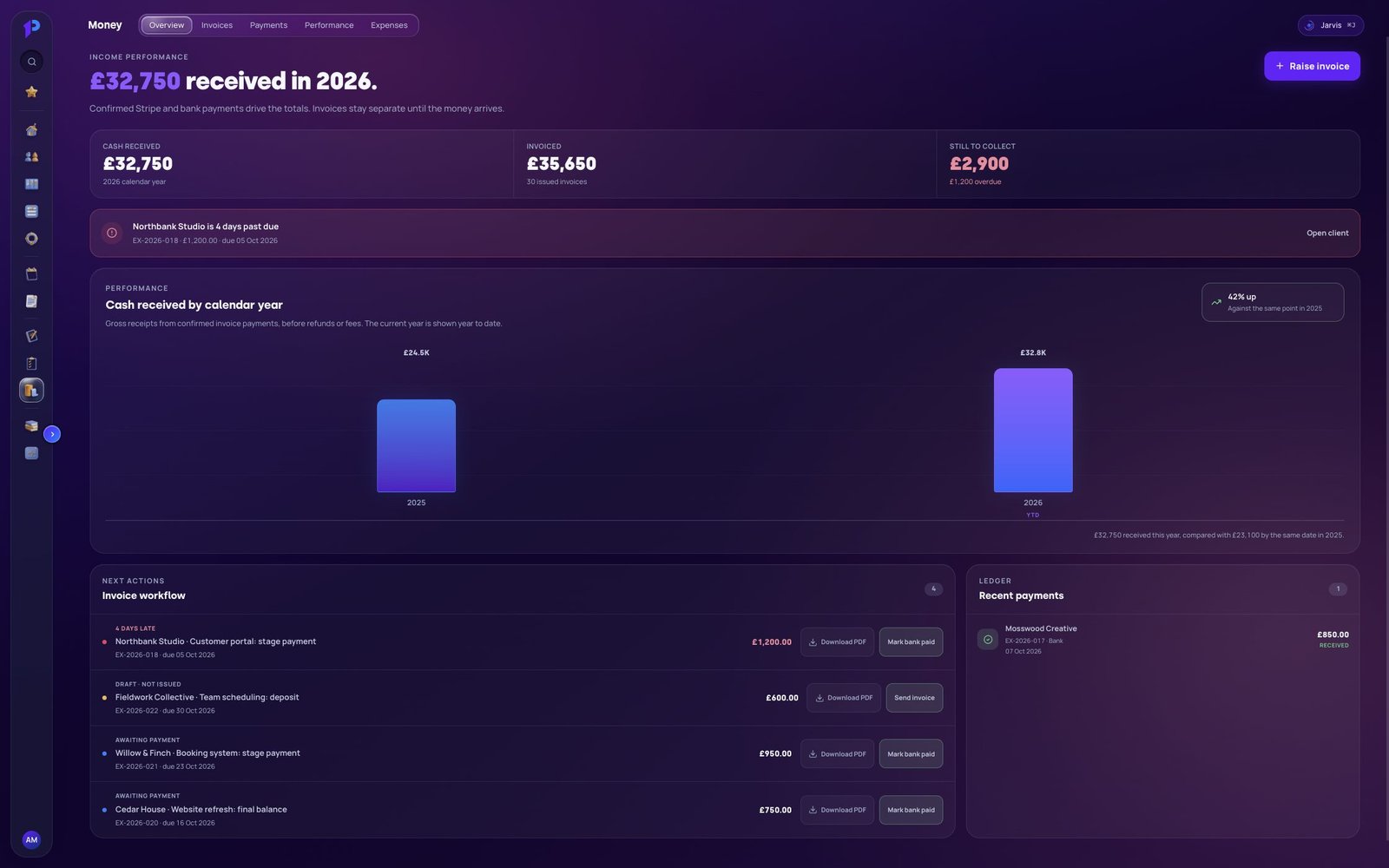
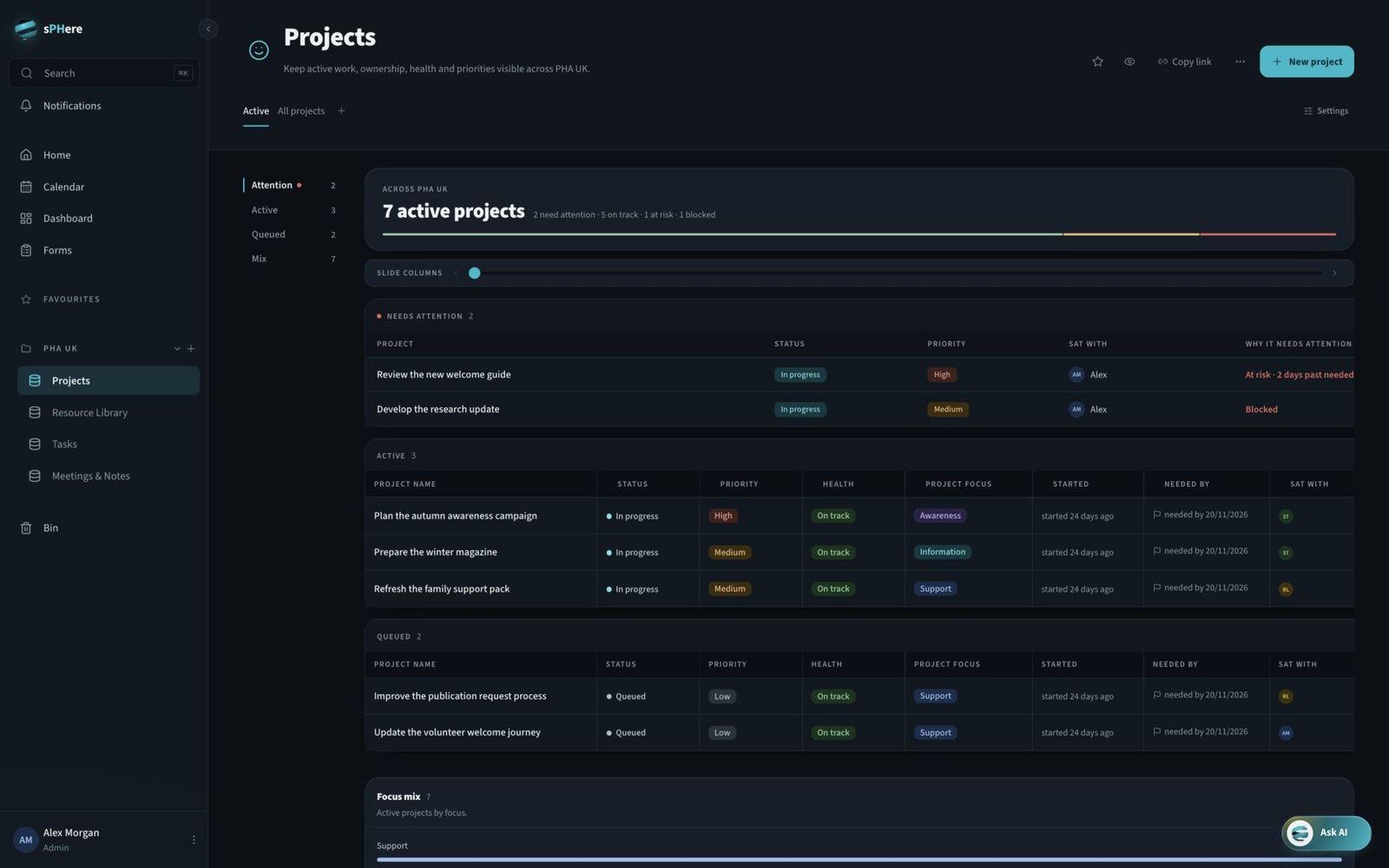
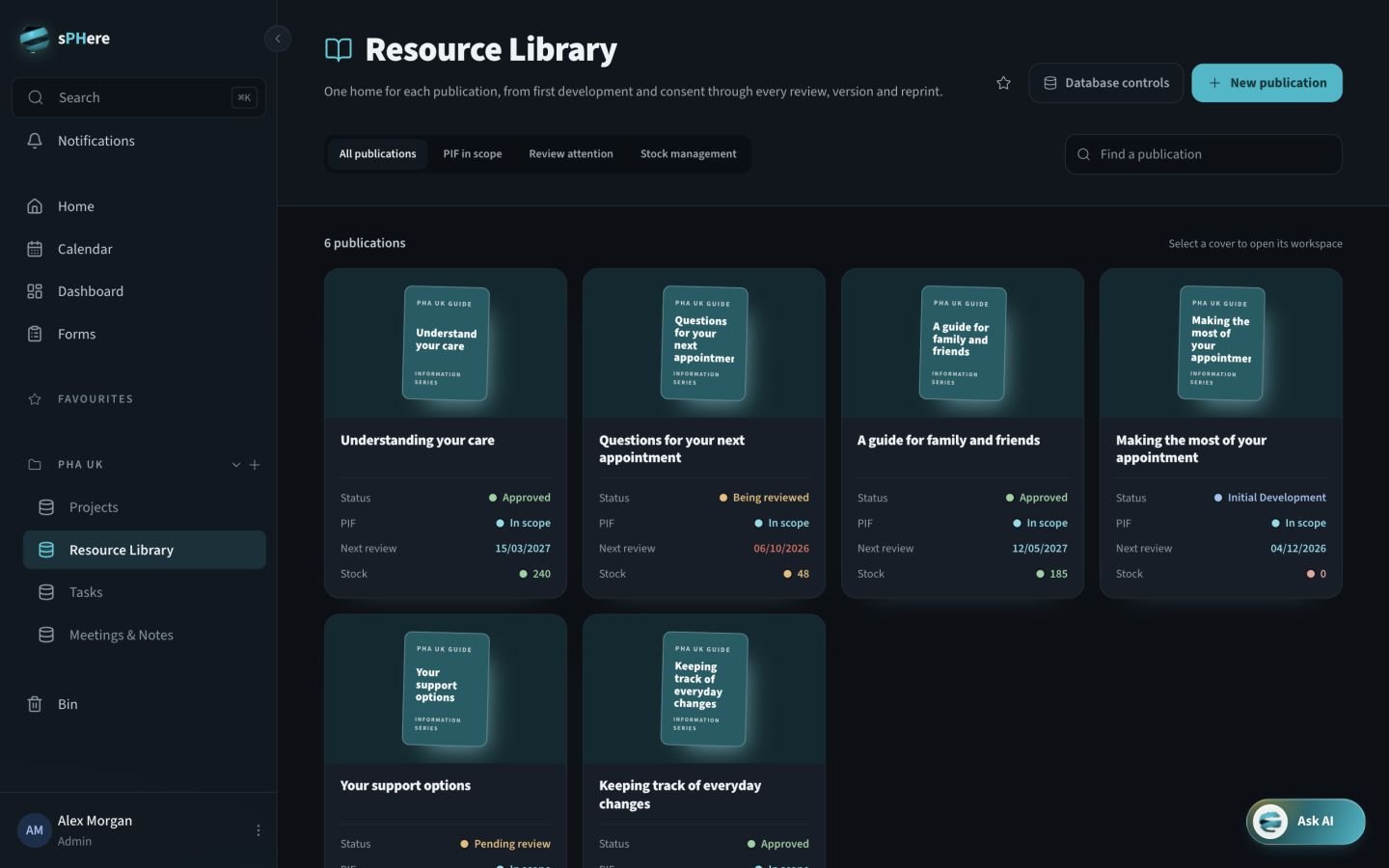
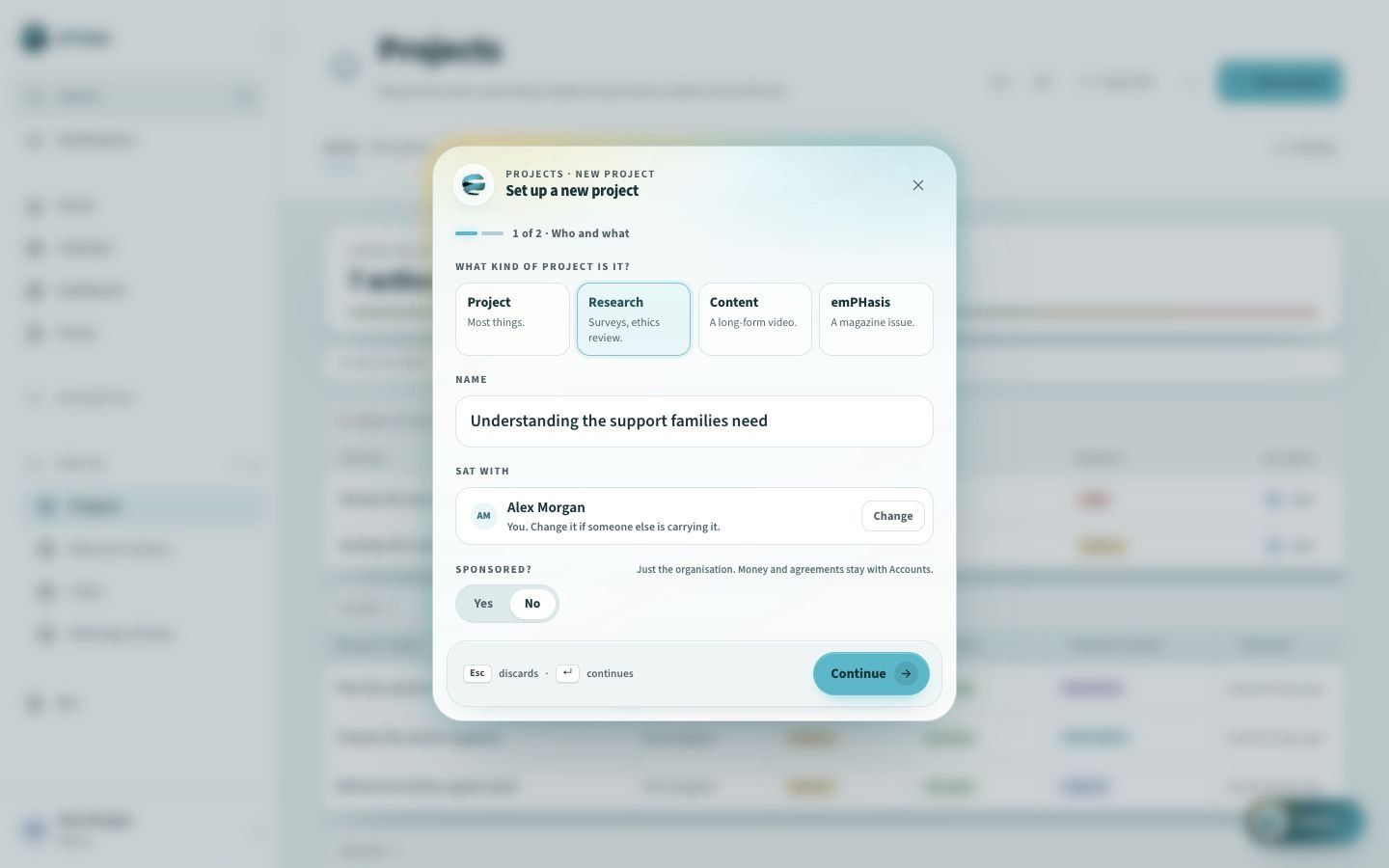
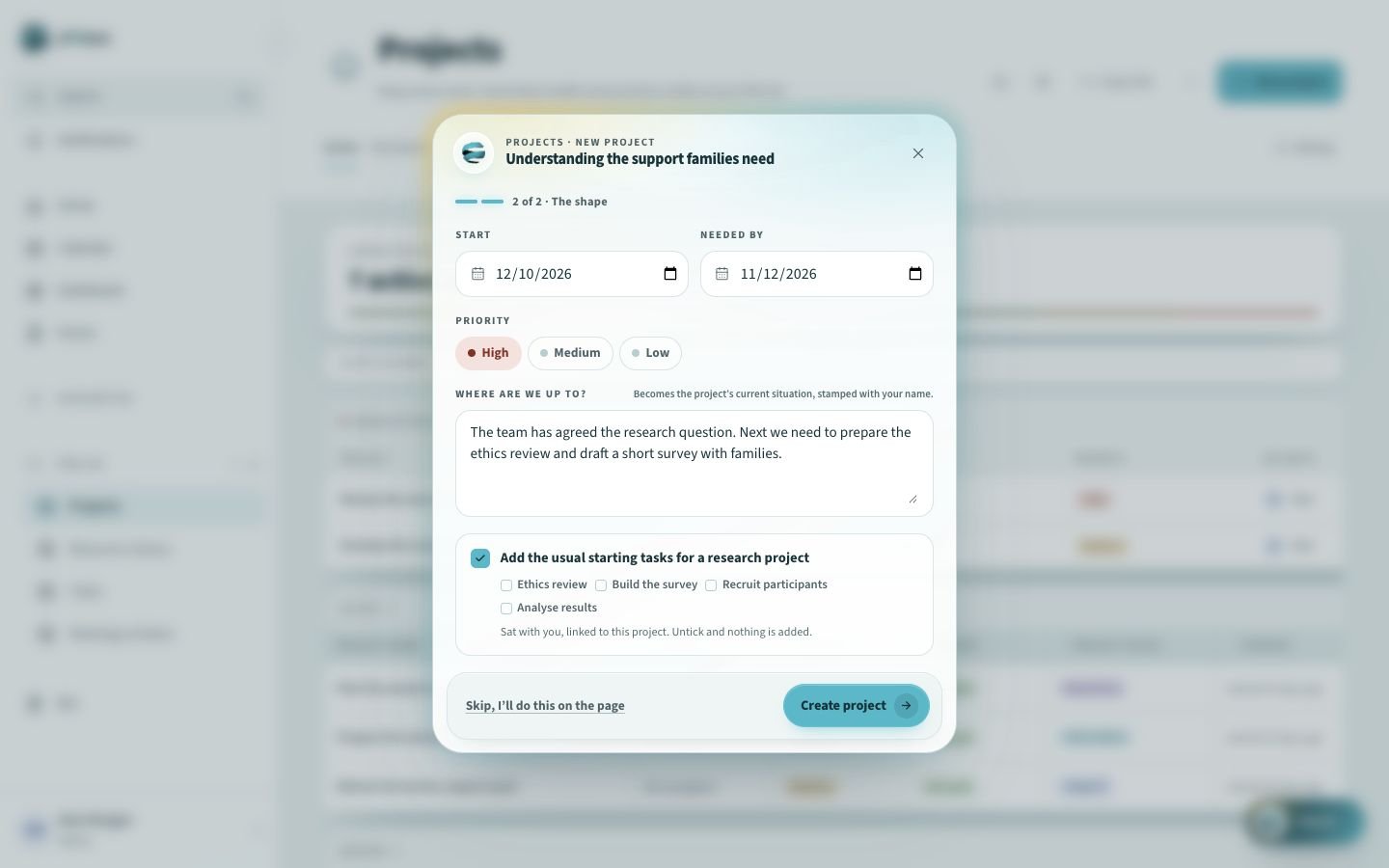
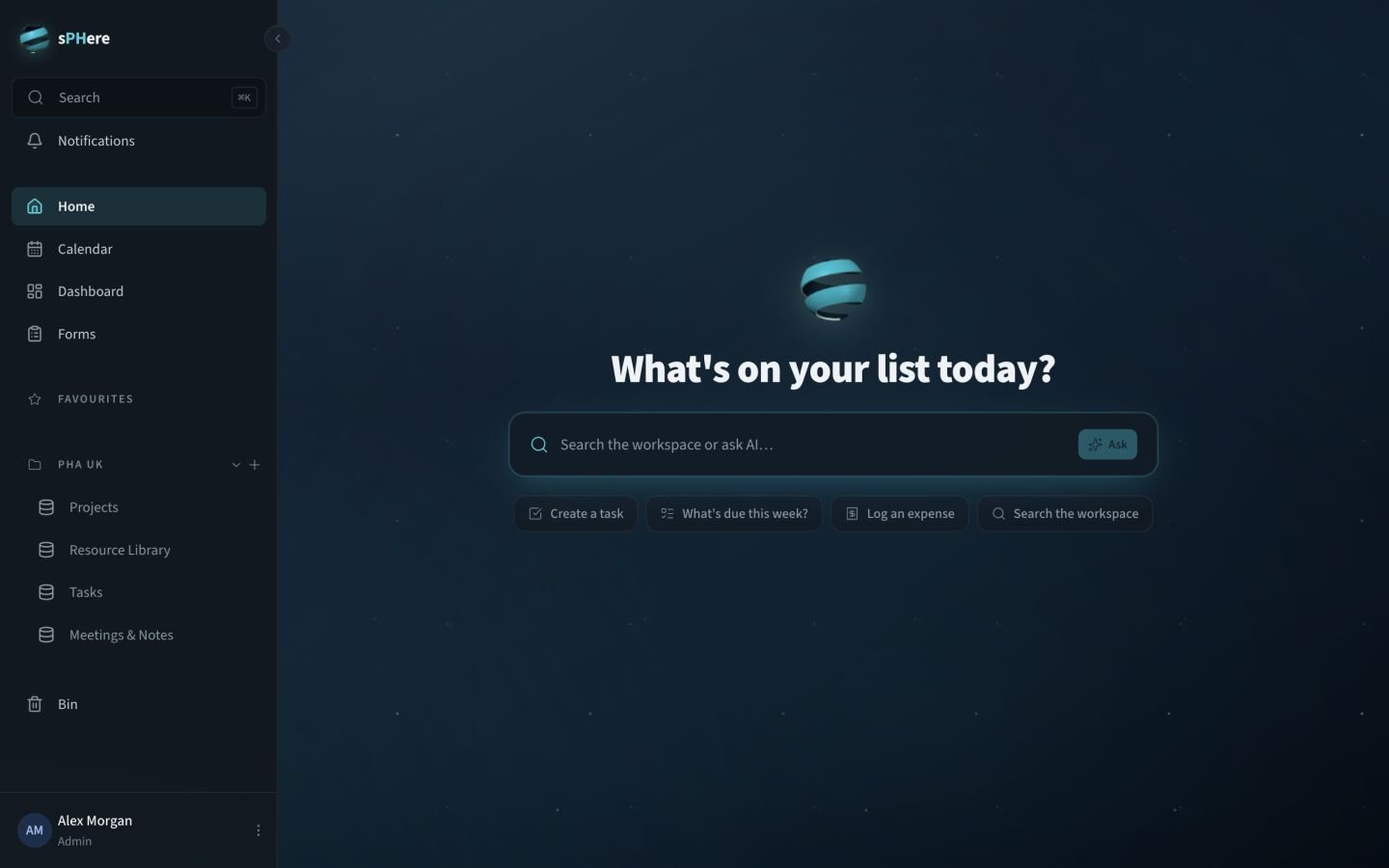
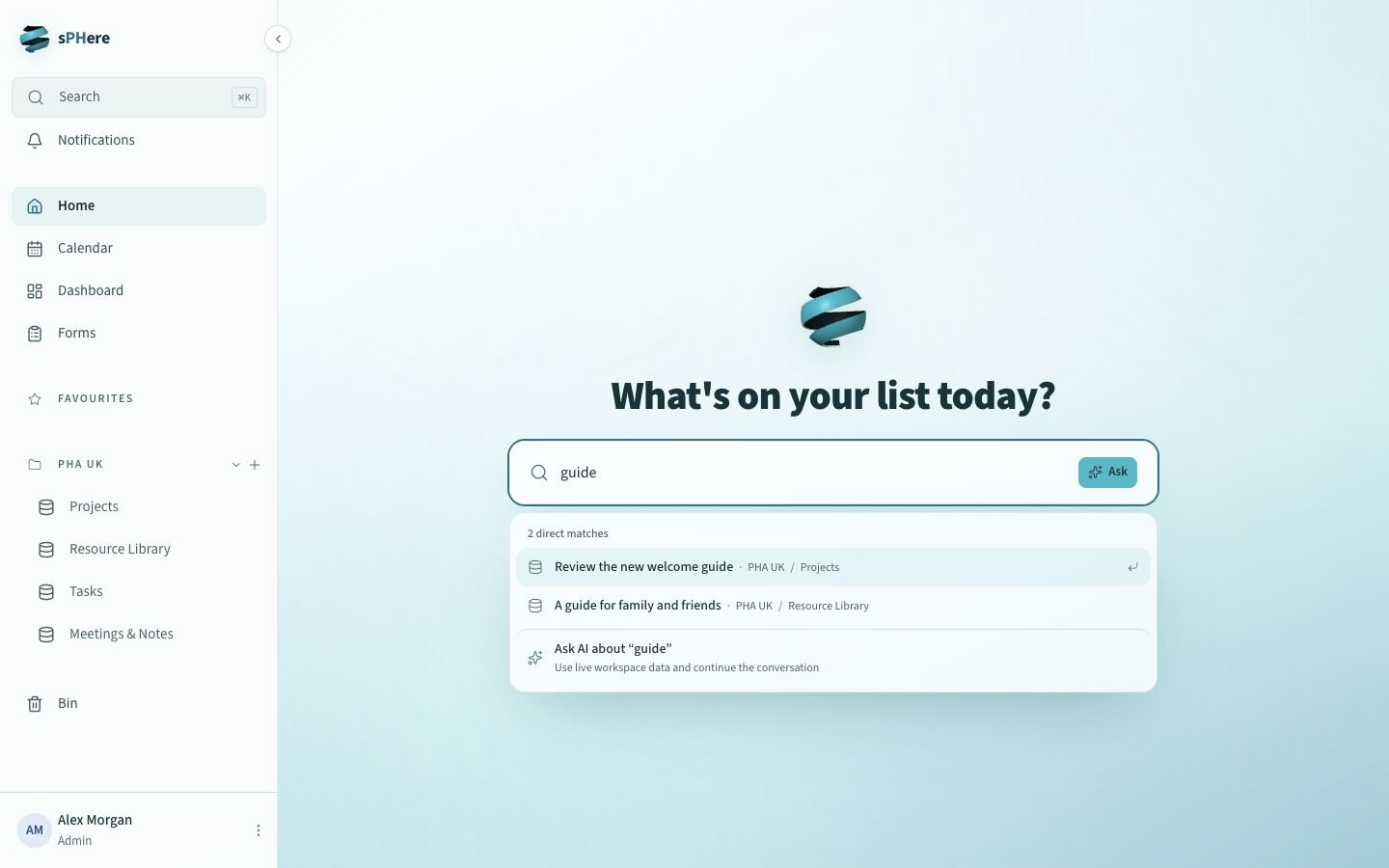
I built Platform One for the client work in my own business, and sPHere for the work of the PHA UK team. They show how a connected system can serve different jobs.

Platform One

Built to run my own business

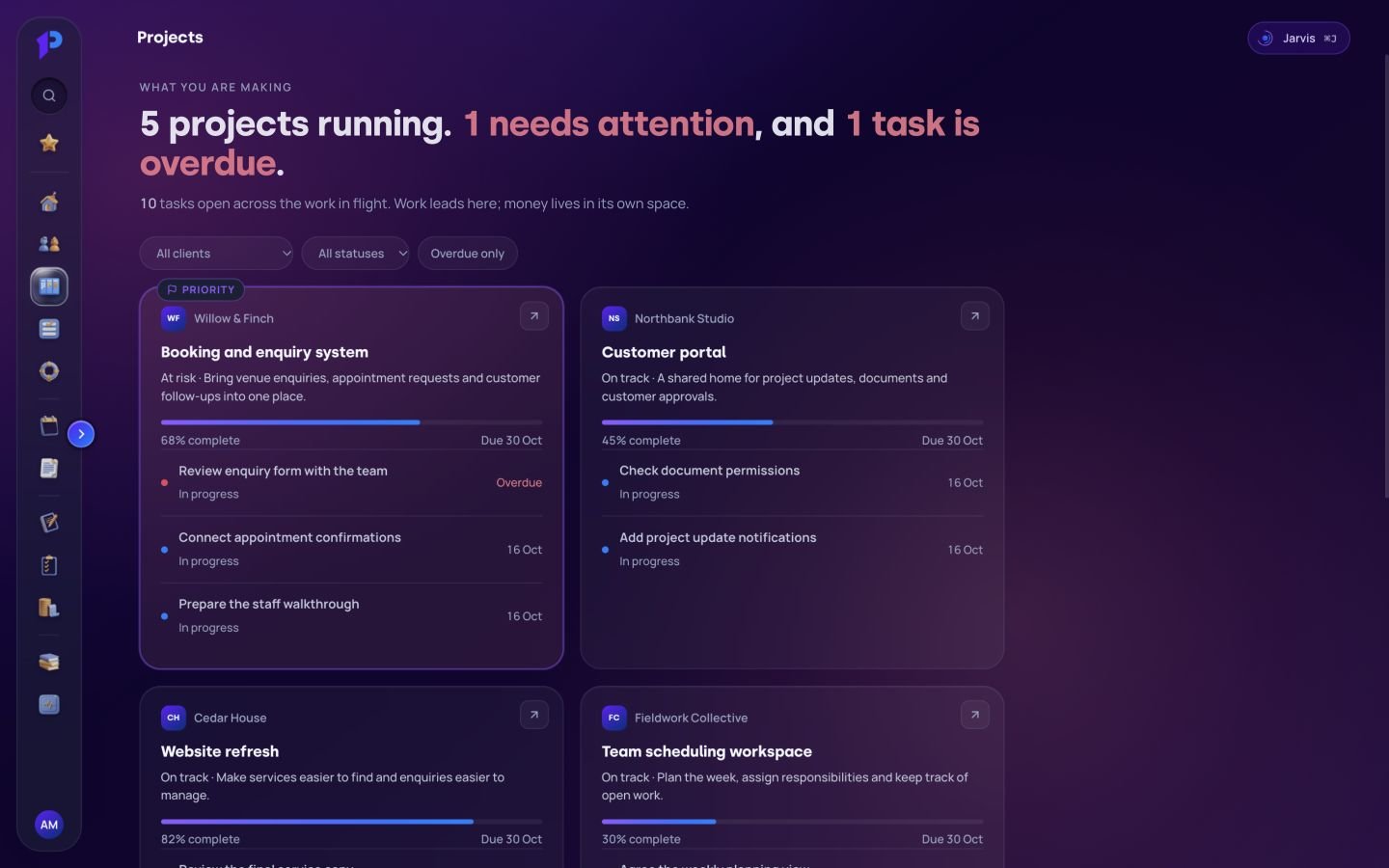
I built Platform One around the way I run BYOP: enquiries, client records, projects, proposals, agreements and invoices. Everything about a client lives in one place, from the first enquiry to the last invoice, with the next action beside each relationship.

A window for my clients too

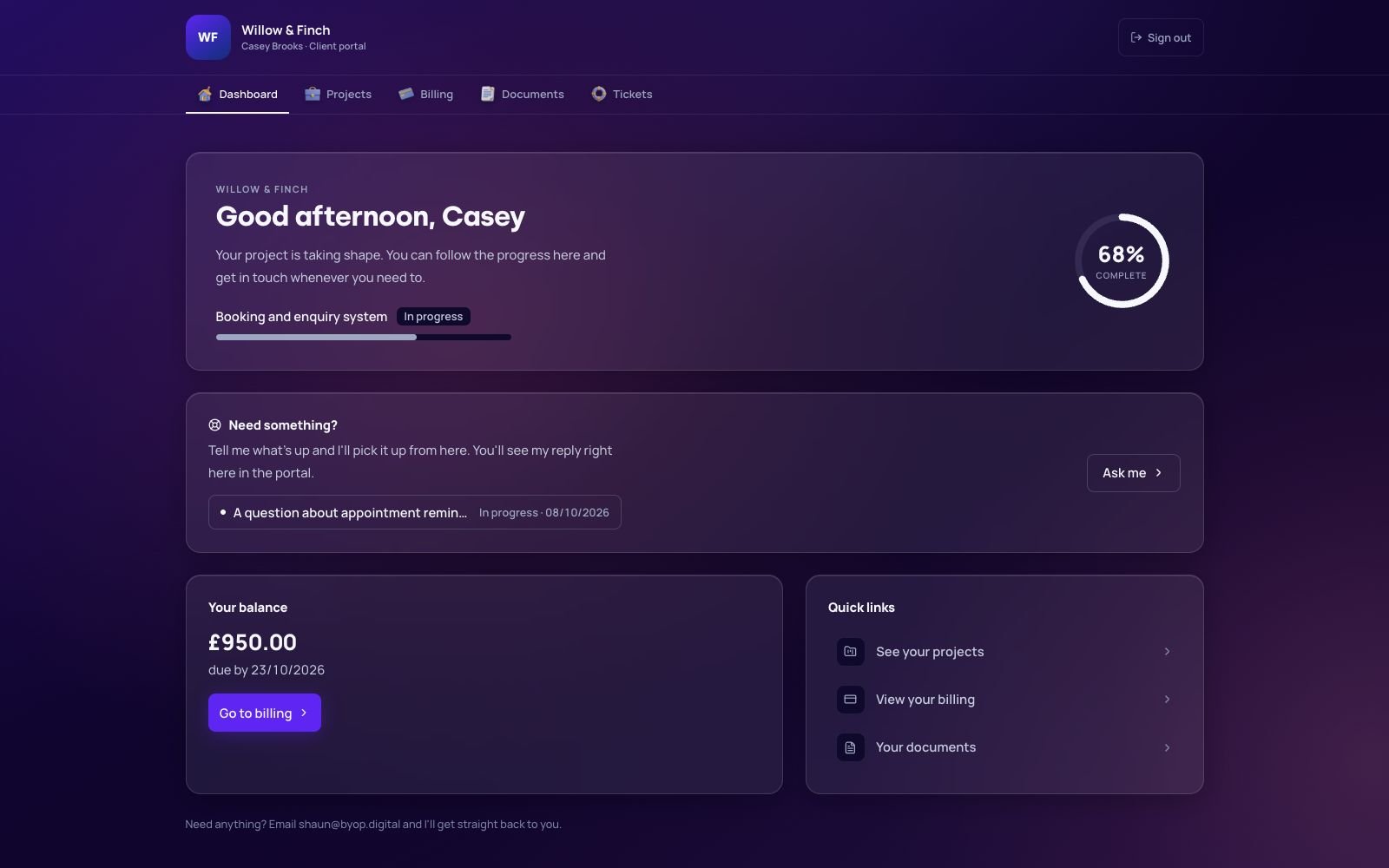
Clients get their own dashboard with project progress, billing and documents, plus somewhere to ask for help. They can check an update when it suits them, and I can see what needs sending, checking or chasing without piecing it together from an inbox.
Enough context to
pick the work back up.

You shouldn’t have to remember the contents of every conversation to give someone a good service. The useful information needs to be easy to find, with an obvious next step.

Who are you helping?

Contact details, the enquiry and the relevant history.

What have you agreed?

The brief, related documents and the project it belongs to.

Who is doing what?

A task, an owner and a useful view of what needs attention.

Already using Notion?

I know it very well. That experience is useful whether you’re keeping it, connecting another tool to it or working out where you’ve reached its limits.

Plan B’s time and invoicing app works with its existing Notion records. Platform One and sPHere show the bespoke-workspace route. The choice comes down to what you need to do, who needs access and the costs of looking after it.

I’ll look at the information you need to keep before suggesting a move. Any migration needs a plan for checking the records and helping people settle into the new way of working.

See the Plan B example

A few things you might be wondering.

Does everything have to move into one system?

No. Some information may be better left in an existing tool. I’ll work out which connections are useful and practical, and what needs to stay separate.

Can different people see different things?

Access is part of the design. I’ll ask who needs to read, change or manage each part of the system, then agree and test those permissions within the build.

What will it cost, and how long will it take?

That depends on the work involved, including existing data and connections to other tools. I’ll agree the scope, price and likely timeline before the build starts.

Will I be able to take my information with me?

Ownership, export and handover should be clear from the start. I’ll explain what can be exported, how access is managed and what hosting, licences or ongoing support you’ll need.

Show me how
you keep track now.

You don’t need to tidy it up for me first. Seeing the awkward bits is rather the point.

Let’s talk it throughExplore other apps & business systems