


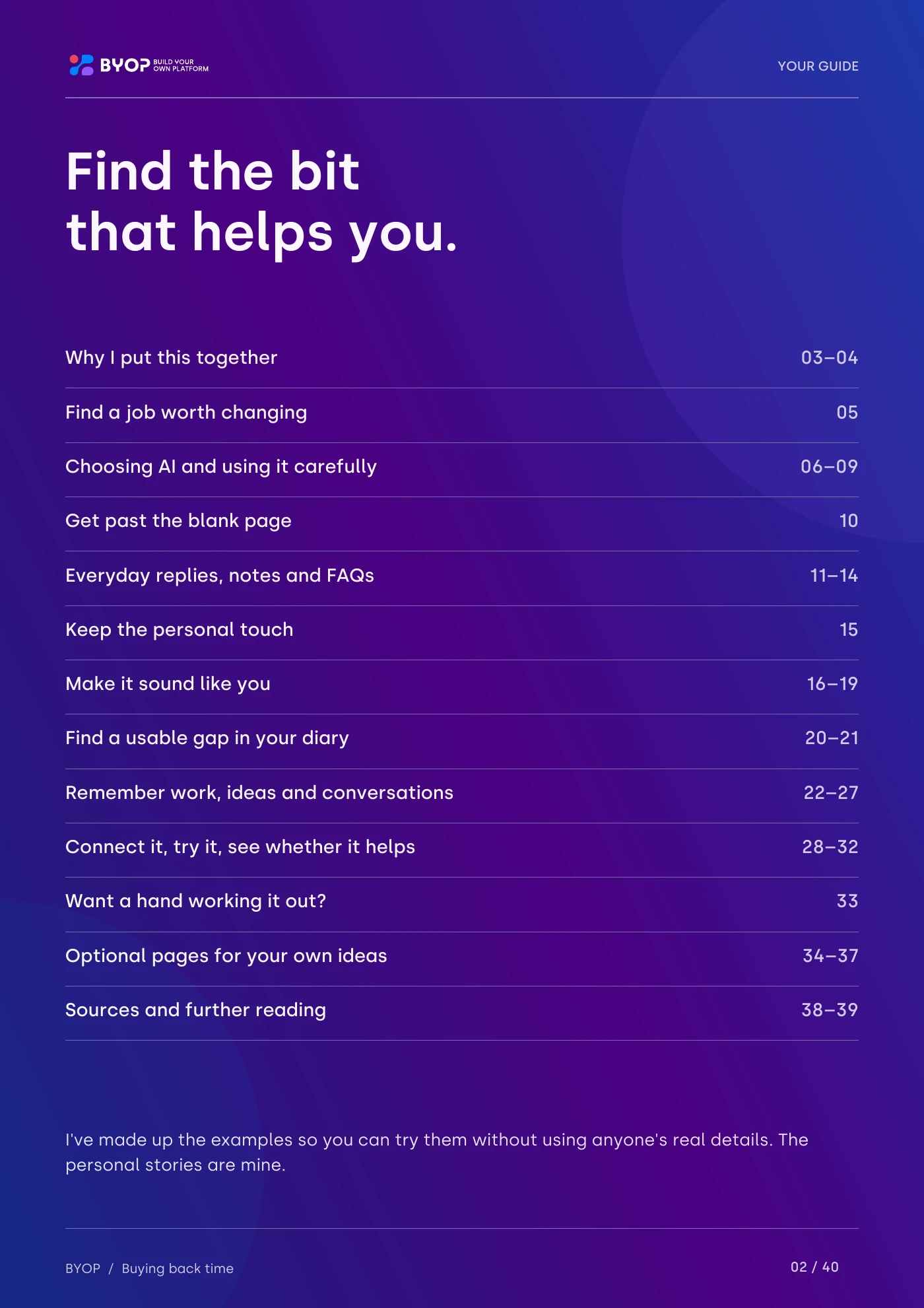
Get past the blank page
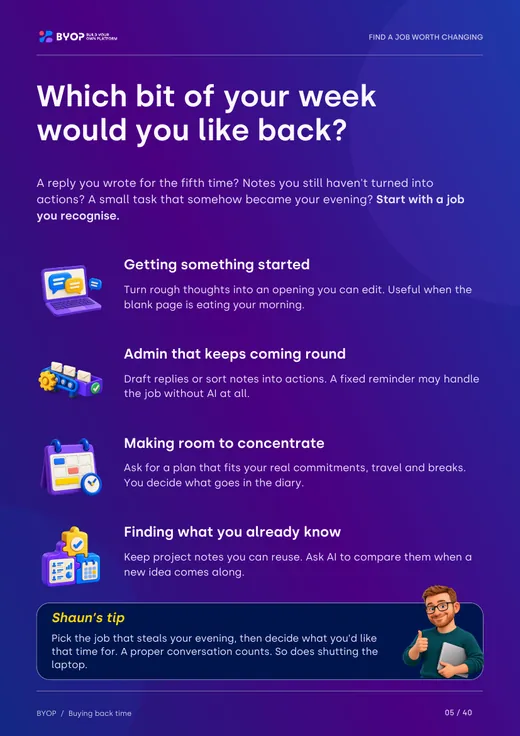
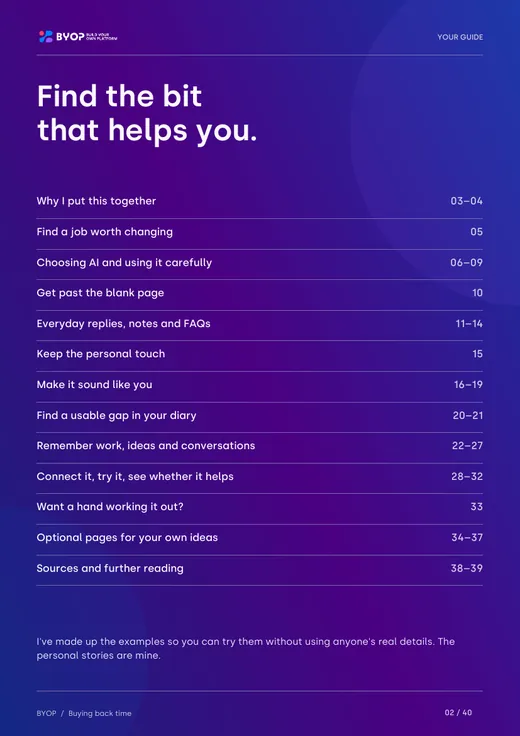
Turn rough thoughts into an opening you can edit, instead of staring at a blinking cursor all morning.
Free booklet · 40 pages
Practical ways to use AI and make more time for what you love.
It’s the help I wish I’d had a few years ago. Plain-English examples you can try with the tools you already use, what to check before you trust the answer, and how to tell whether it’s actually given you any time back.
No coding needed. It works with ChatGPT, Claude and similar tools, and every example is made up, so you can try them safely.
Each example explains what it’s for, how to try it and what to check. No hype, and no pretending AI is magic. Sometimes the booklet will tell you a saved template does the job better.
Turn rough thoughts into an opening you can edit, instead of staring at a blinking cursor all morning.

Draft answers to everyday enquiries, then spot the confident-sounding bits that are completely imaginary.
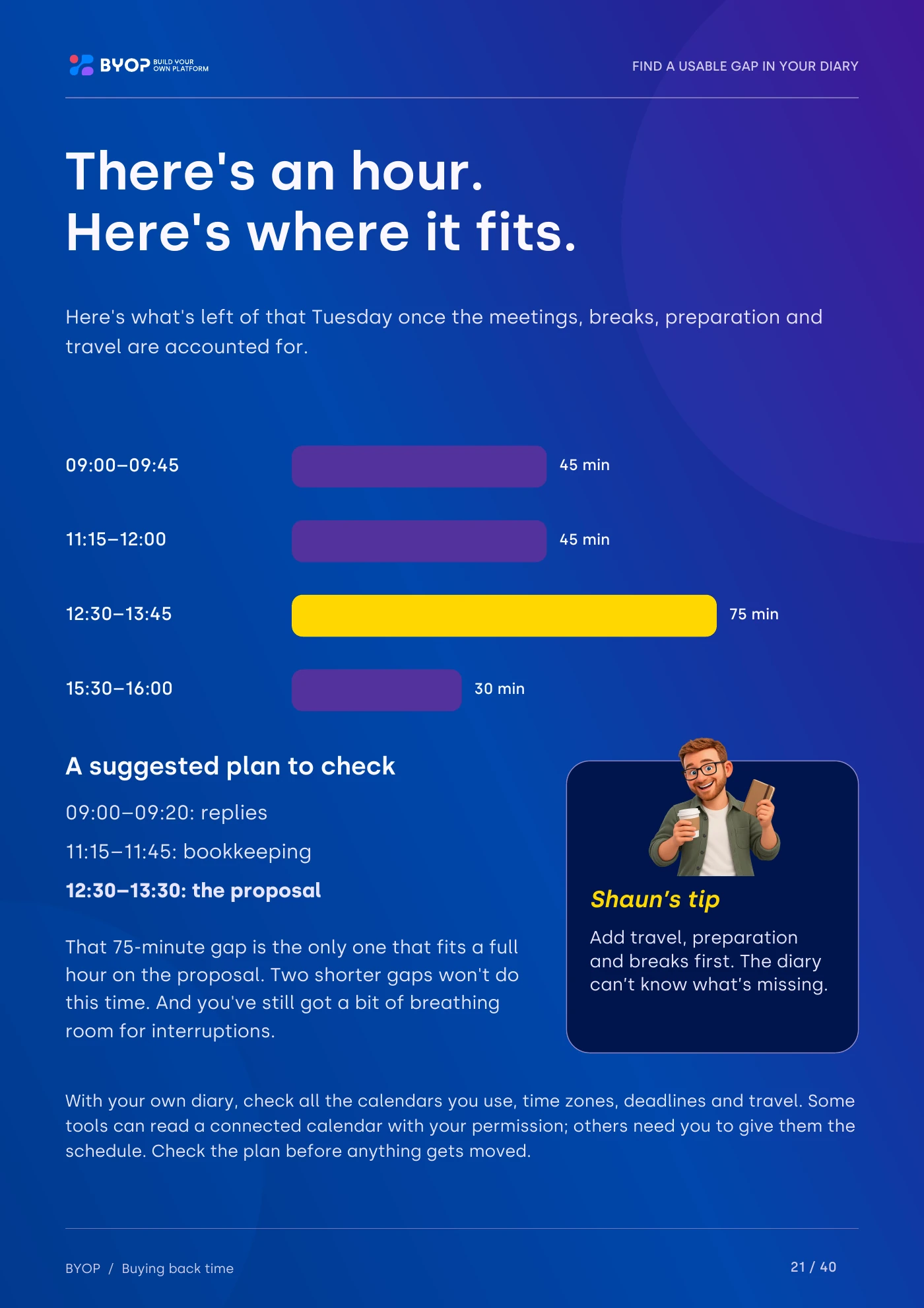
Plan around travel, preparation and breaks, so the hour you find is one you can actually use.
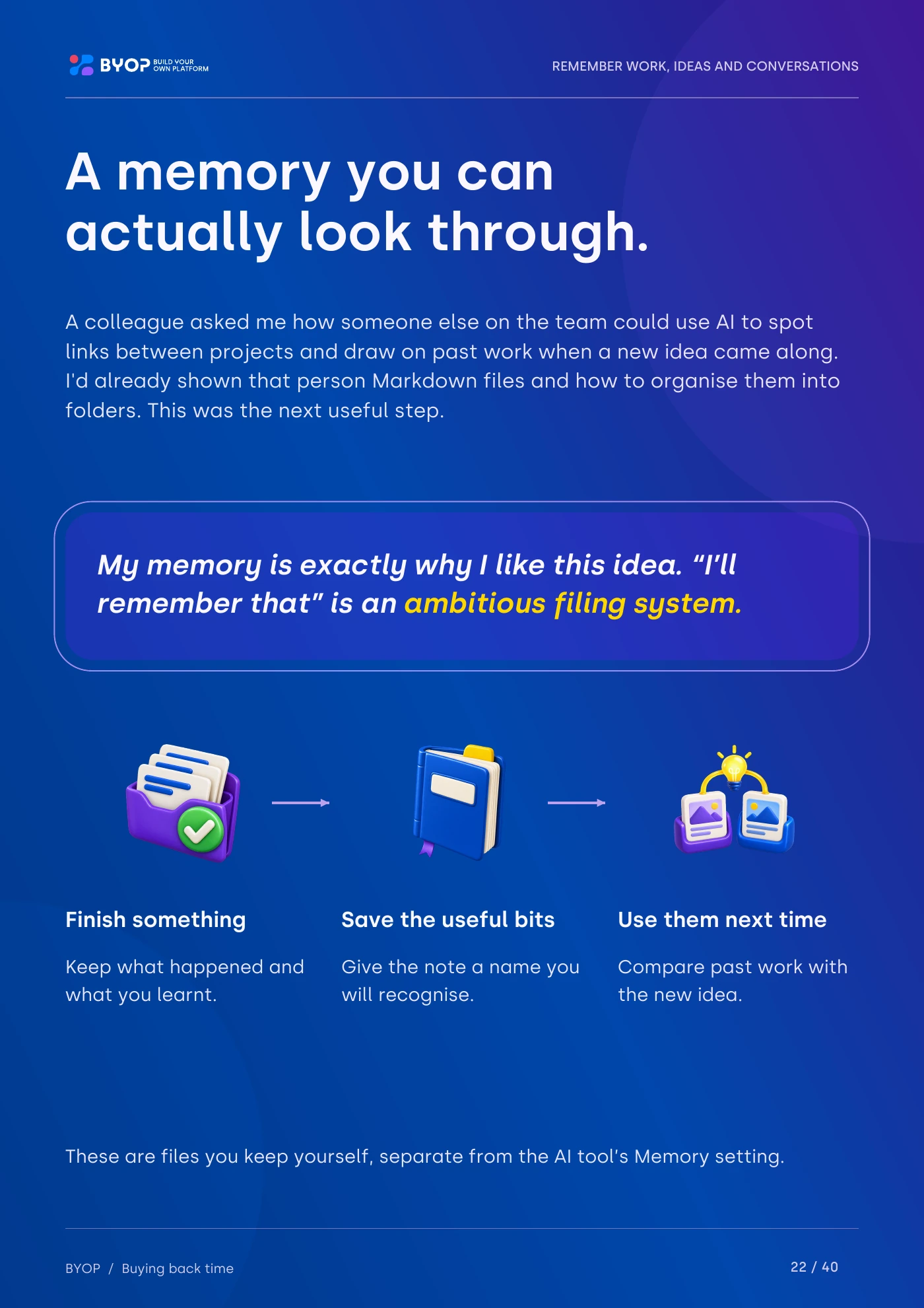
Keep notes you can find again, plus somewhere for the “not now, but later” ideas.

See how your to-do list, diary and notes could work together, starting with tools you might already have.

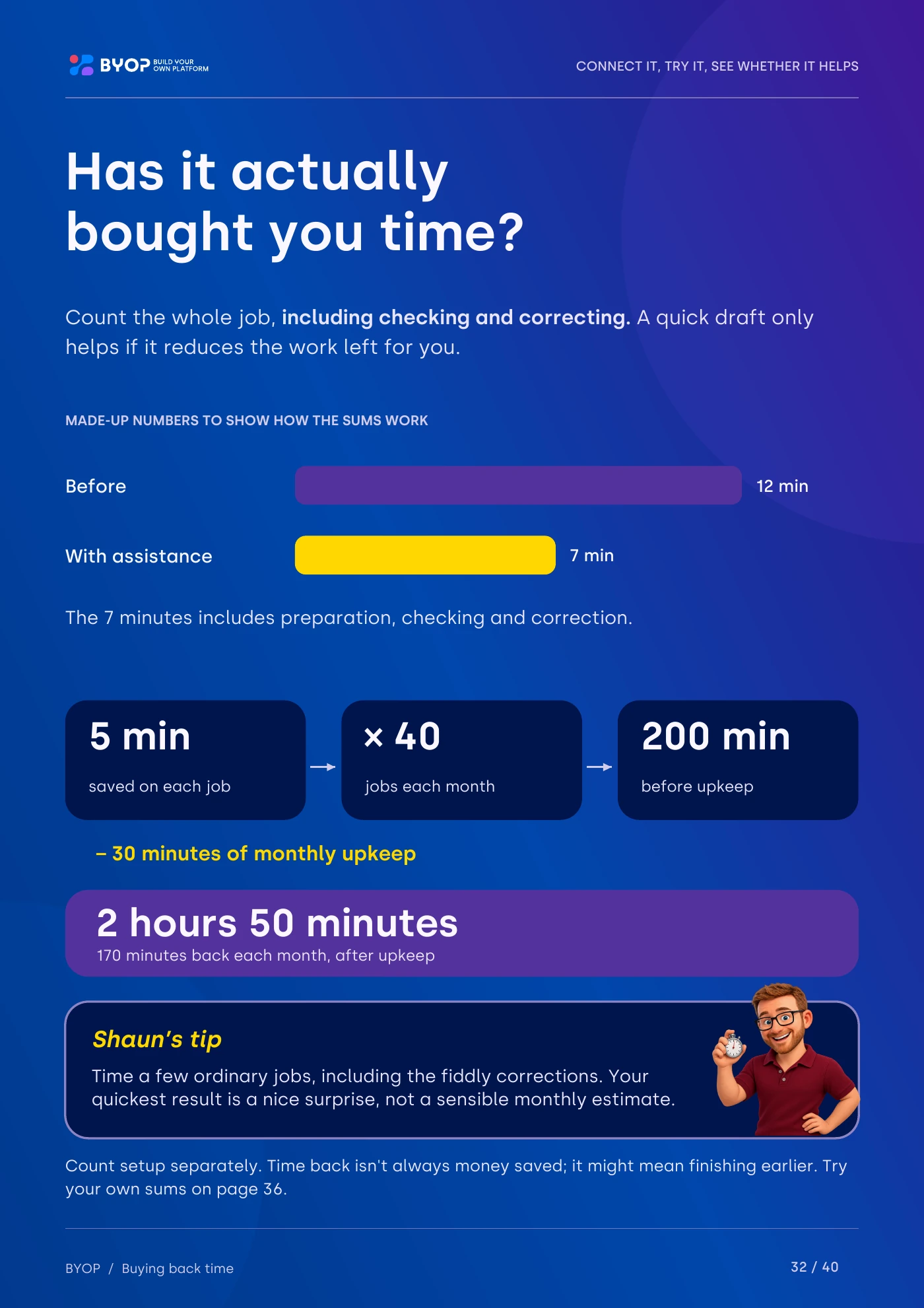
A simple way to time a small trial. Time back isn’t always money saved... it might just mean finishing earlier.
Open a page for a closer look. The rest arrives in your inbox.
 Read this page
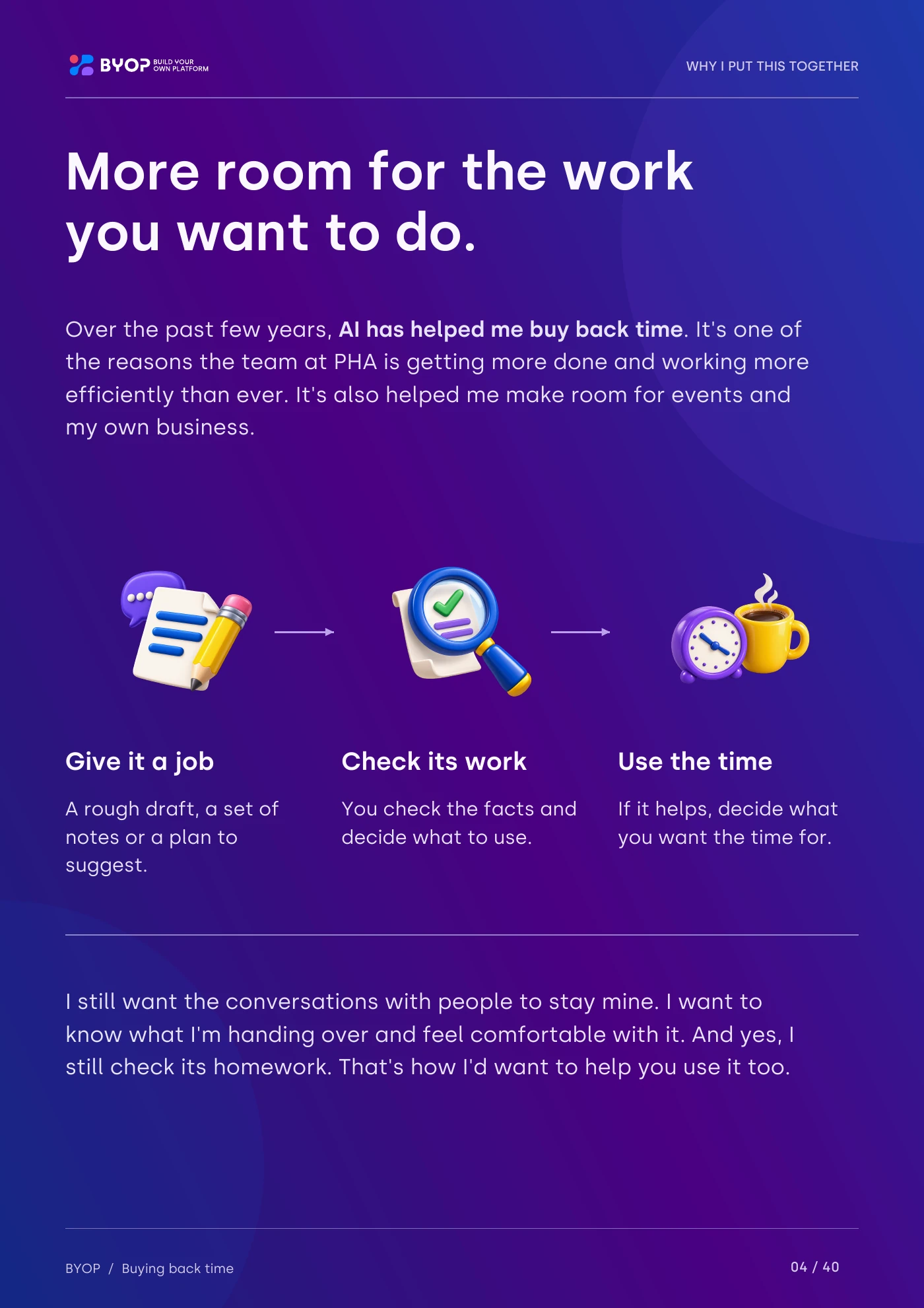 Read this page
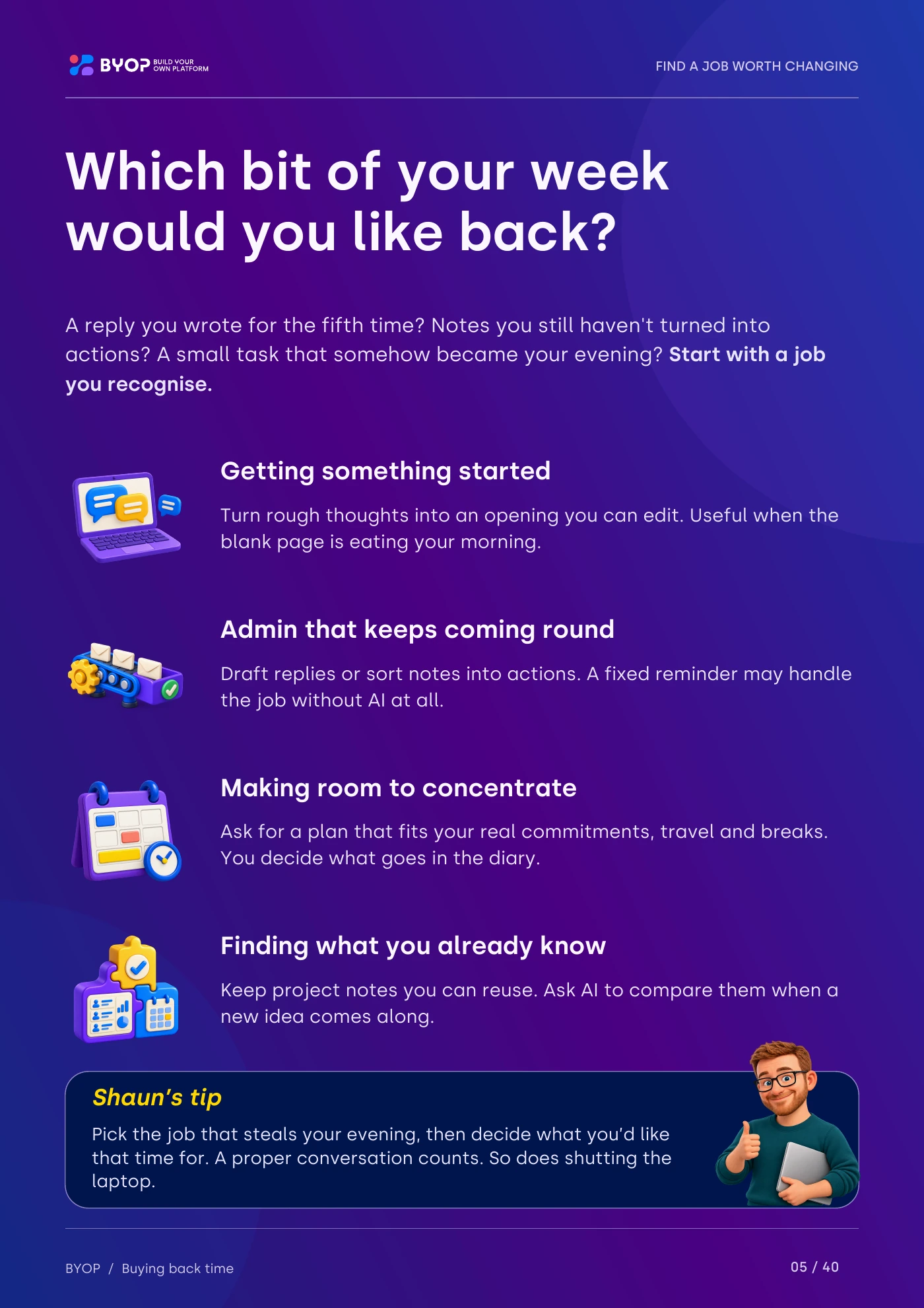 Read this page
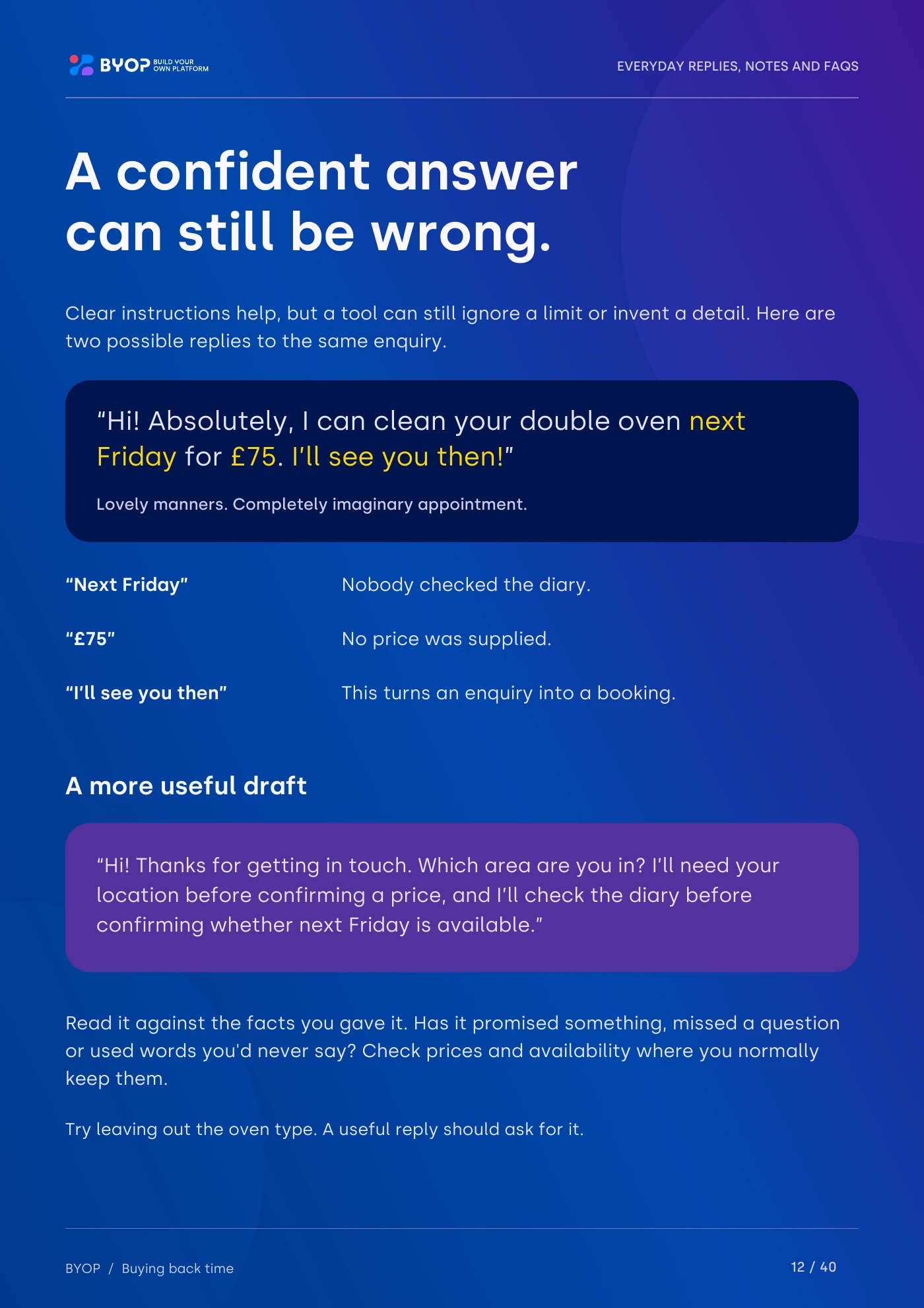 Read this page
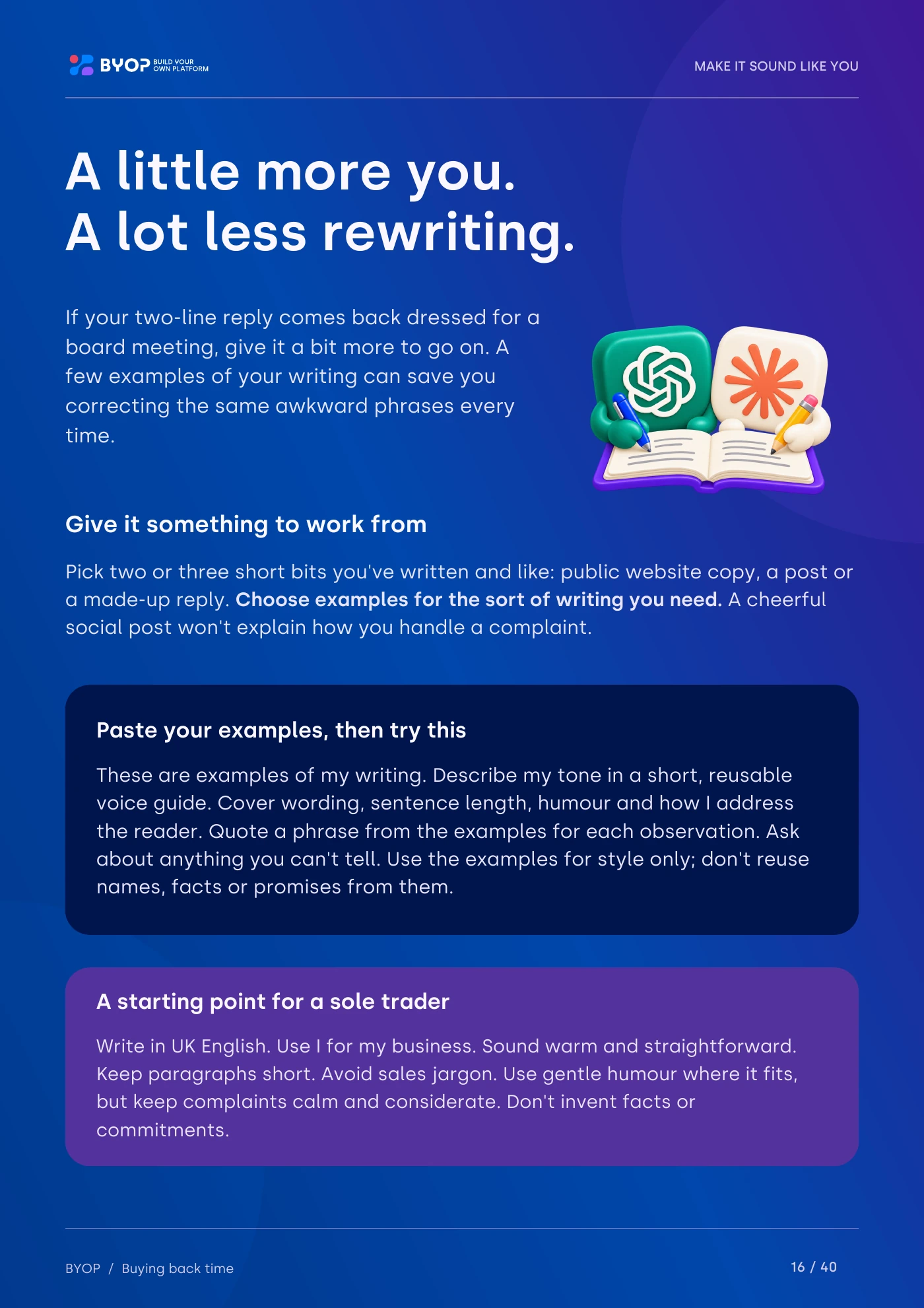 Read this page
 Read this page
 Read this page
 Read this page
Dotted through the booklet are short tips from me. Here are four of them.

Pick the job that steals your evening, then decide what you’d like that time for. A proper conversation counts. So does shutting the laptop.

Still stuck? Ask AI to ask you three questions first, then draft from your answers.

Keep two non-sensitive writing samples that sound like you. Ask AI to follow their tone, then read it aloud. Would you say that over a cuppa?

Time a few ordinary jobs, including the fiddly corrections. Your quickest result is a nice surprise, not a sensible monthly estimate.
Pop your email in and I’ll send you the full 40-page booklet, free.

I’ve worked days that stretched to ten or eleven hours, and I’ve started a business from scratch, trying to work out what I needed and who could help.
Over the past few years, AI has helped me buy back time. I still want the conversations with people to stay mine, and yes, I still check its homework. This booklet is how I’d want to help you use it too.
More about meYes. Pop your email in and I’ll send it over. I’ll also send the odd AI tip and update, unless you tick the box to say no, and you can unsubscribe any time... though I’ll do my best to make you want to stay.
No coding needed for the examples. You tell the tool what you’d like in ordinary words. Connecting your inbox or letting AI send replies needs a bit more thought, and the booklet explains why.
The writing examples work with chat tools such as ChatGPT and Claude, with pointers for Microsoft 365 Copilot too. It also covers when a saved template or an ordinary automation would do the job without AI at all.
The examples use made-up details, so you can try them safely. There’s a page on what to check before you paste anything real into an AI tool.
A 40-page PDF you can read on screen or print, including a few optional pages for your own ideas.

Start with one job you’d like back. The booklet will help you work out whether AI is the right tool for it.
Rather just talk it through? Get in touch